
Convert JPG to WEBP — Free, No App
Convert JPG/JPEG images to WebP locally in your browser. No uploads.
Use this JPG to WEBP converter to turn standard JPEG photos into modern WebP images directly in your browser. SnapConvert processes your file locally on your device, so it does not need to be uploaded to a server.
How to convert JPG to WEBP
- Select your JPG (or JPEG) image.
- Click Start Conversion.
- Download your new WEBP file when it’s ready.
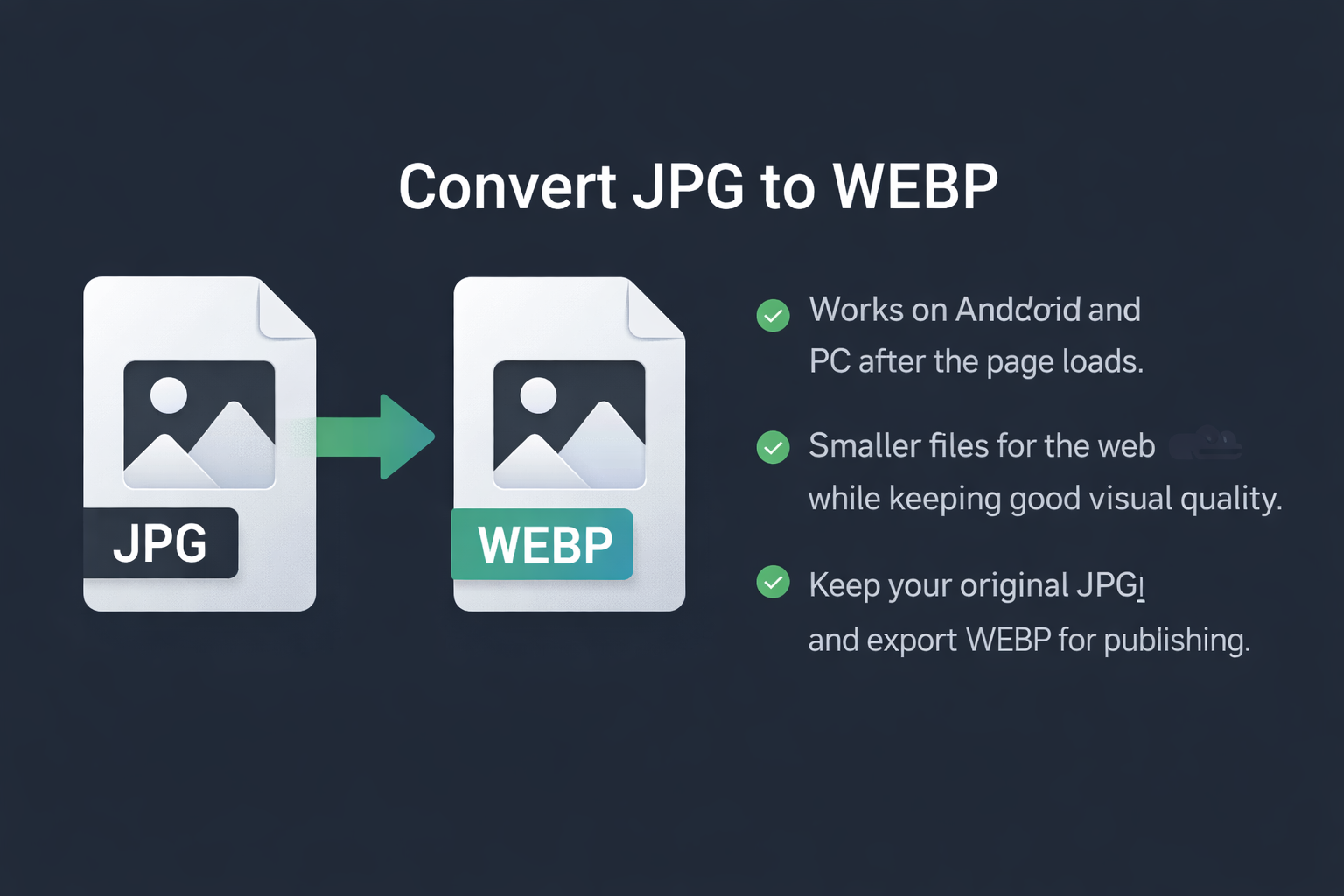
Why convert JPG to WEBP (and when to convert JPG to WEBP)?
Converting JPG to WEBP is mainly about efficiency. WebP often delivers smaller file sizes than JPEG at a similar visual quality, which can help pages load faster and reduce bandwidth—especially on mobile connections.
If you publish images on a website, blog, or store, using JPG to WEBP is a practical way to optimize performance without changing your content workflow. WebP is widely supported in modern browsers and Android devices.
When NOT to use JPG to WEBP
- Maximum compatibility required: if your audience relies on older software that can’t open WebP, keep JPG for delivery.
- Print or archive workflow: keep the original JPG as your master file and export WebP only for web use.
- You expect transparency: JPG has no transparency, so converting JPG to WEBP won’t create an alpha channel.
Common issues (and quick fixes)
- The file is still large: some JPGs are already optimized. Try resizing dimensions before converting.
- Quality looks softer: avoid extreme compression and start from a higher-quality source image when possible.
- Colors look slightly different: export the JPG in sRGB (standard web profile), then convert again.
Format tips: JPG vs WEBP
JPG is a classic photo format with universal compatibility. WEBP is designed for modern web delivery and can reduce file size while keeping images visually clean.
- Use JPG when compatibility matters most.
- Use WEBP when page speed and lighter images matter.
- Best practice: keep the original JPG, export WebP for publishing.
Best use cases for JPG to WEBP
JPG to WEBP is most useful when you publish images on the web and want faster loading without changing your workflow. WebP is commonly used for blog photos, product galleries, landing pages, and any page where image weight affects mobile performance.
- Websites and SEO: lighter images can improve page speed and reduce data usage for visitors.
- E-commerce: WebP helps keep product photos sharp while lowering file size (especially on category pages).
- Sharing and storage: converting JPG to WebP can reduce space used by large photo collections when compatibility is not a concern.
Tip: keep your original JPG as a backup and export WEBP for publishing. That way you preserve the source file and still get the benefits of a modern web format.
FAQ
Is JPG to WEBP conversion safe?
Yes. SnapConvert performs the JPG to WEBP conversion locally in your browser, so the file is processed on your device.
Do you upload my JPG file?
No. The conversion is designed to run locally on your device to help keep your images private.
Will converting JPG to WEBP reduce quality?
It can, depending on the image and compression settings. In many cases, JPG to WEBP keeps a very similar look while reducing file size, but small text and fine details may show artifacts.
Can I convert JPEG files too?
Yes. “.jpg” and “.jpeg” are the same JPEG format, so this JPG to WEBP converter works for both.
How long does it take to convert JPG to WEBP?
Most files convert in a few seconds. The exact time depends on image size and your device performance.
Can I convert JPG to WEBP on Android?
Yes. You can convert JPG to WEBP directly in your mobile browser after the page loads.